


Highlights
iOS 26: Apple’s Upcoming Major iPhone Software Update
Apple is set to launch iOS 26, an upcoming significant upgrade for iPhone software. This update promises one of the most notable redesigns of the iPhone interface since iOS 7. The official introduction is anticipated during Apple’s “Awe Dropping” event on 9 September, where the iPhone 17 lineup, updates to the Apple Watch, and new AirPods will also be unveiled.
Introducing iOS 26 Features
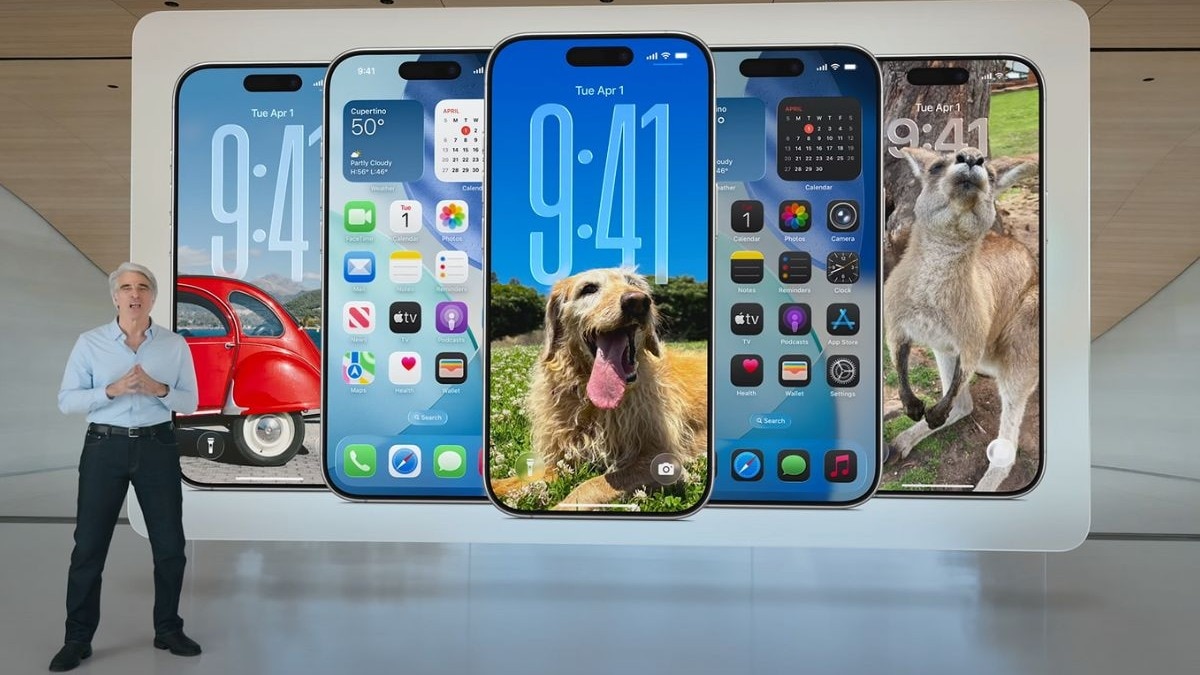
iOS 26 brings a fresh aesthetic known as Liquid Glass. This redesign transforms the user interface to a visually striking experience. In addition to the aesthetic changes, Apple has revamped several native applications to align with the new style. Key features include adjustable snooze options for alarms, Call Screening to manage unwanted calls, and enhanced integration of Apple Intelligence across applications like Reminders, Messages, and Phone.
Which iPhones Will Be Compatible with iOS 26?
It has been confirmed by Apple that not all iPhones will be able to support the new iOS 26 update. Devices that will no longer receive updates include the iPhone Xs, iPhone Xs Max, and the iPhone XR.
The following iPhone models are confirmed to receive iOS 26:
- iPhone 16, 16 Plus, 16 Pro, 16 Pro Max, 16e
- iPhone 15, 15 Plus, 15 Pro, 15 Pro Max
- iPhone 14, 14 Plus, 14 Pro, 14 Pro Max
- iPhone 13, 13 mini, 13 Pro, 13 Pro Max
- iPhone 12, 12 mini, 12 Pro, 12 Pro Max
- iPhone 11, 11 Pro, 11 Pro Max
- iPhone SE (2nd and 3rd generation)
Availability of Apple Intelligence Features
While the majority of compatible iPhones will receive iOS 26, features associated with Apple Intelligence will be available only on newer devices. This includes:
- iPhone 15 Pro and 15 Pro Max
- All models from the iPhone 16 series, including the iPhone 16e
Additionally, other devices such as iPads equipped with M-series chips and Macs that utilise Apple silicon will also support Apple Intelligence features.
What Is the Expected Launch Date for iOS 26?
The likelihood is that Apple will release iOS 26 soon after the event on 9 September, with a public rollout expected by mid-September. Historically, Apple has made major software updates available within a week following its keynote presentation.
Moreover, users have the option to access the update earlier by enrolling in Apple’s Developer and Public Beta Programmes. To determine your iPhone model, navigate to Settings > General > About, where the device name and model number can be found.