


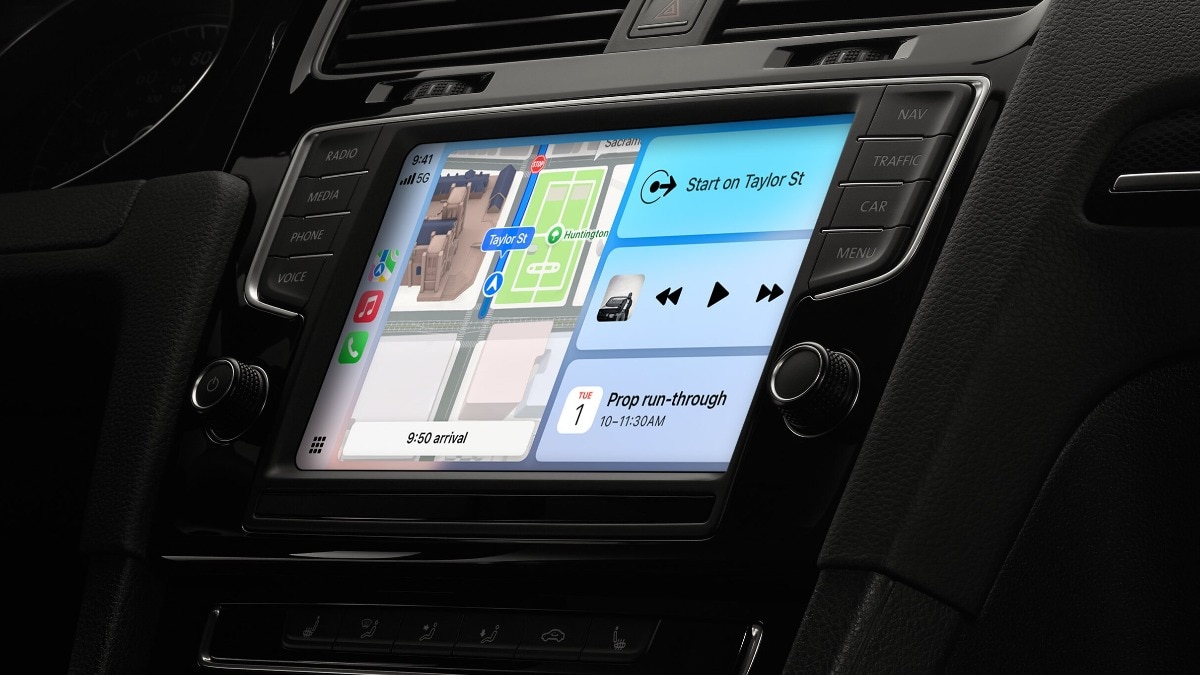
ChatGPT has revolutionised Apple CarPlay with its latest iOS 26.4 update, introducing the first significant AI chatbot integration within Apple’s in-car system. Drivers can now engage with the conversational AI directly from their dashboard and interact hands-free while on the road. This enhancement in CarPlay comes as Apple has introduced support for voice-activated conversational applications.
Hence, whether it is brainstorming ideas during the daily commute or enjoying AI-generated humour, ChatGPT is conveniently available with just a tap. Here is how to utilise ChatGPT on Apple CarPlay.
How to utilise ChatGPT on Apple CarPlay
To begin using ChatGPT on Apple CarPlay, ensure that your iPhone is updated to the latest iOS 26.4 version and that the newest iteration of the ChatGPT app is installed. It’s important to remember that this feature is exclusively supported in vehicles equipped with Apple CarPlay.
Connecting your iPhone to CarPlay
– Plug your iPhone into your vehicle’s USB port or establish a wireless connection.
Locating the app
– Look for the ChatGPT app on your CarPlay home screen and select it.
Initiating a conversation
– Tap on “New Voice Chat.” The app will quickly change from “Connecting” to “Listening.”
Speaking naturally
– Simply communicate your query to ChatGPT, and it will reply through the car’s speakers.
Resuming a conversation
– Choose the most recent chat you would like to continue, and speak your prompt to carry on the discussion.
To enhance ease of use, activate the Auto-Start Mode by navigating to Settings > Voice within the ChatGPT app on your iPhone and enabling “Start automatically in CarPlay.”
This setting allows users to bypass the menu and jump straight into a voice session the moment the app is opened on the dashboard.
The ChatGPT feature on CarPlay is progressively being rolled out to all categories of users, including Free, Plus, Pro, and Team/Enterprise members. For users in the European Economic Area (EEA), Switzerland, and the UK, this feature is anticipated to launch shortly.